Last updated: September 2026
Most link reporting is decoration. A backlinks report that runs to thirty screenshots and ends with "we built 14 links this month" tells nobody whether the work was worth paying for. A useful one fits on a page, shows five numbers, and ends with a decision about next month.
This guide covers where the data actually comes from, the five rows worth reporting, the metrics to drop, why two tools never agree on your link count, and a monthly template you can copy.
What a Backlinks Report Is Actually For
A link report answers three questions. Did we earn links from sites that matter to this business? Did anything break or disappear? And what should we do differently next month?
Everything else is filler. If a row in your report cannot change a decision, it does not belong in the report. That single rule cuts most templates in half.
Where the Data Comes From
You have two kinds of source, and they are built differently.
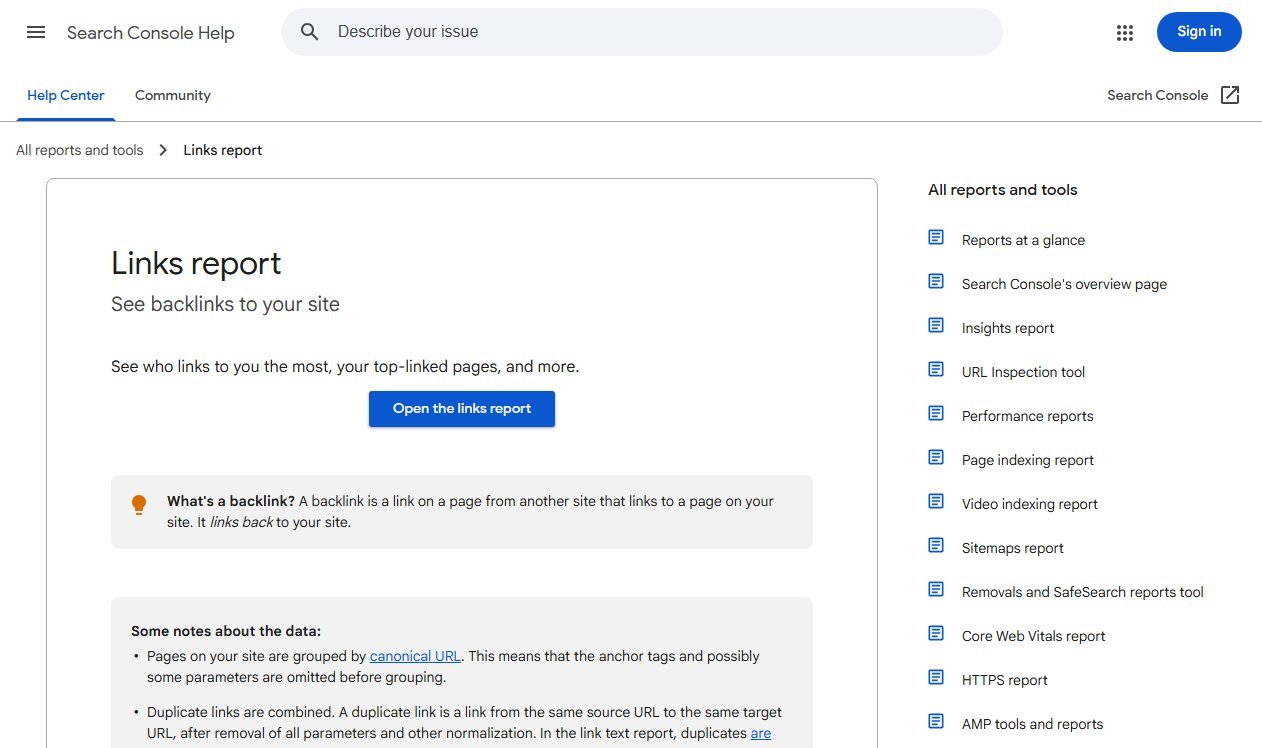
Google Search Console is free and comes straight from Google's own index. Its Links report shows your top linked pages, top linking sites and top linking text.
Third-party crawlers such as the well-known backlink tools run their own bots and keep their own index. They show link metrics Google will never publish, and they see links Google has decided not to report, but they also see links Google has already ignored.
For a monthly report, use Search Console as the source of truth for what Google associates with your site, and a crawler for detail on individual links. Never mix the two numbers in one chart.
Building the Report in Search Console, Step by Step
You do not need a paid tool to produce the first draft. Search Console holds four of the seven rows, and pulling them takes about ten minutes once a month.
- Open Links, then export. In the left menu, Links sits under the Legacy tools and reports group in some accounts and directly in the sidebar in others. Use the Export button at the top right and take the full table rather than the summary, so you keep the linking URLs.
- Take the top linking sites. This is your referring-domain list. Paste it into a sheet with a column for the month, and you have a month-on-month comparison from the second report onwards.
- Take the top linked pages. Sort by linking sites rather than total links. If the homepage sits alone at the top and your money pages are near the bottom, that is your finding for the month.
- Take the top linking text. Group it by hand into brand, URL, page title and commercial phrases. Four buckets are enough; percentages to one decimal place are not.
- Switch to Performance and filter to the linked pages. Compare the last 28 days with the previous period, and record clicks and average position for each page that gained a link.
That is the whole report except for named new and lost links, which is the one row a crawler genuinely does better. Search Console will tell you a site links to you; it will not tell you that the link went live on the 12th and disappeared on the 19th.
Keep each month's export. Search Console's own history is limited, and a folder of dated CSVs is the cheapest link archive you will ever build.
The Five Rows Worth Reporting
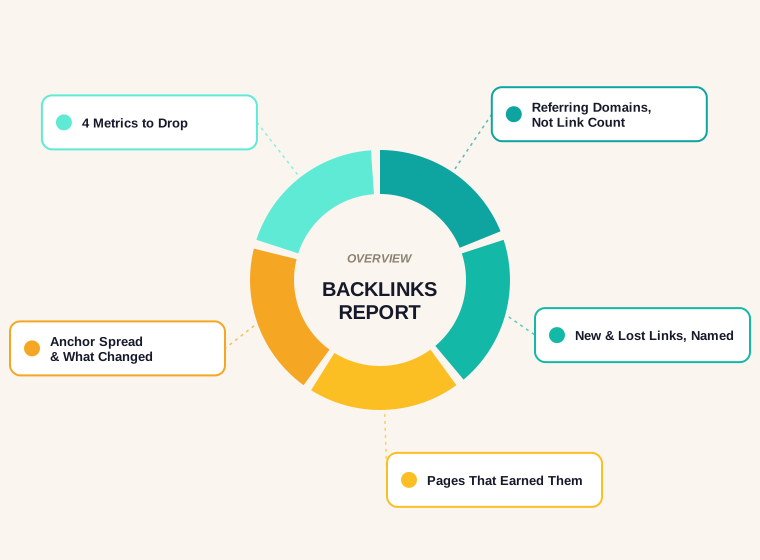
Every client report we build uses the same five rows, in this order.
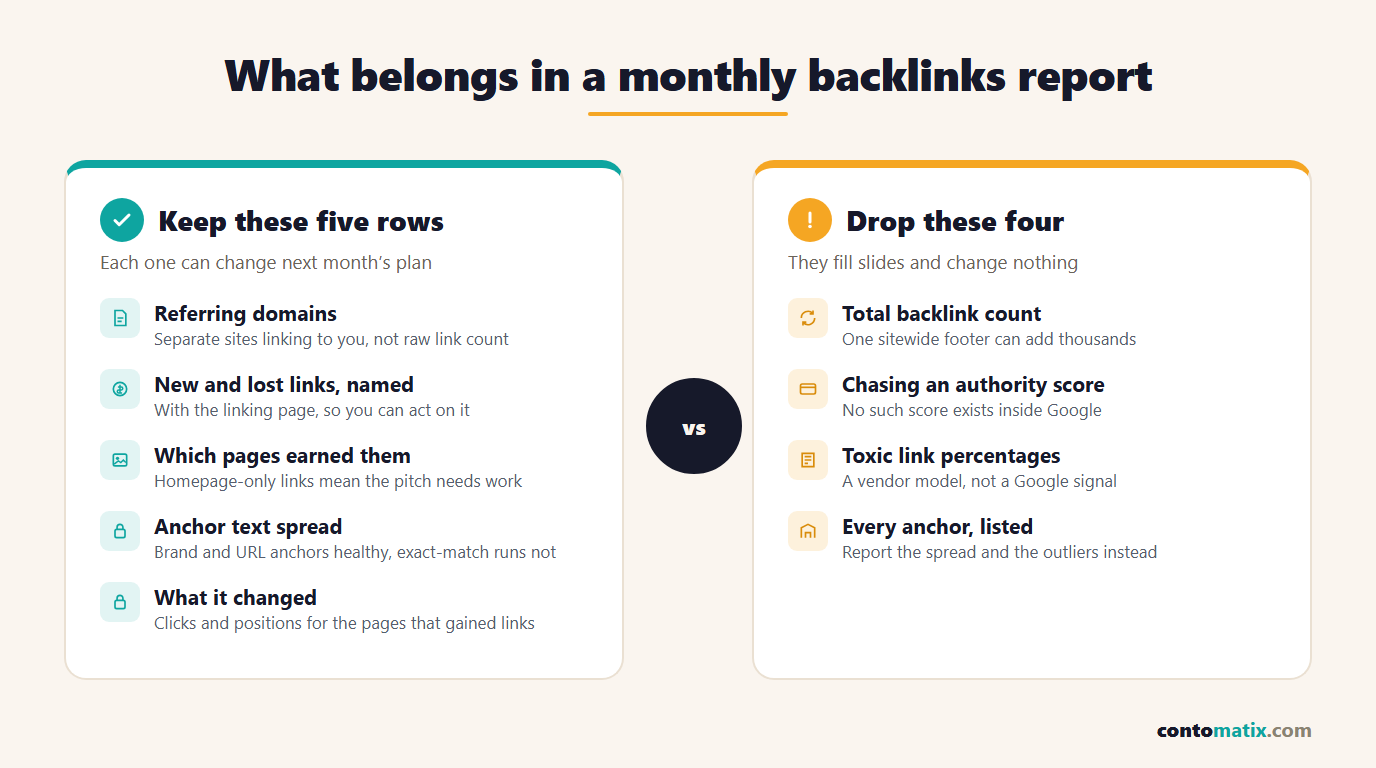
- Referring domains. The number of separate websites linking to you, this month and total. This is the number that tracks authority, not the raw link count.
- New and lost referring domains. Named, with the linking page. A lost link from a strong site is worth a conversation; a lost link from a directory nobody reads is not.
- Which pages earned the links. If every new link points at the homepage, the content that needs ranking is not earning anything.
- Anchor text spread. Mostly brand and URL anchors is healthy. A sudden run of exact-match commercial anchors is the pattern Google's spam policies describe.
- What it changed. Rankings or organic clicks for the pages that received links, over the same period. This is the row that justifies the budget.
The Metrics to Drop
- Total backlinks. One site can send 4,000 links from a sitewide footer. That is one relationship, not four thousand.
- Chasing a single authority score. Third-party scores are useful for sorting a prospect list. They are not a target, and no such score exists inside Google.
- "Toxic link" percentages. These come from a vendor's model, not from Google. Judge a link by whether a real person would click it.
- Every anchor, listed. Nobody reads a 900-row anchor table. Report the spread and the outliers.
Why Two Tools Never Agree on Your Link Count
This is the question that derails most reporting calls, and Google documents the answer.
- Search Console tables are limited to 1,000 rows, so larger sites see a truncated list.
- The report shows a sample of links, and Google says plainly that it "isn't a comprehensive list of every link on your site".
- Links are grouped by root domain, with protocol and subdomains stripped, so example.com and m.example.com count as the same source.
- Duplicate links from the same source page to the same target are combined, and link text is deduplicated case-insensitively.
A crawler that counts every URL it has ever seen will always show a bigger number than a report that groups, dedupes and truncates. Pick one source per row, label it, and stop reconciling them.
Judging Link Quality Without a Vendor Score
The only quality standard that matters is Google's, and it is published. The spam policies for Google web search define link spam directly, including links bought for ranking purposes, excessive exchanges and links placed in low-value directories.
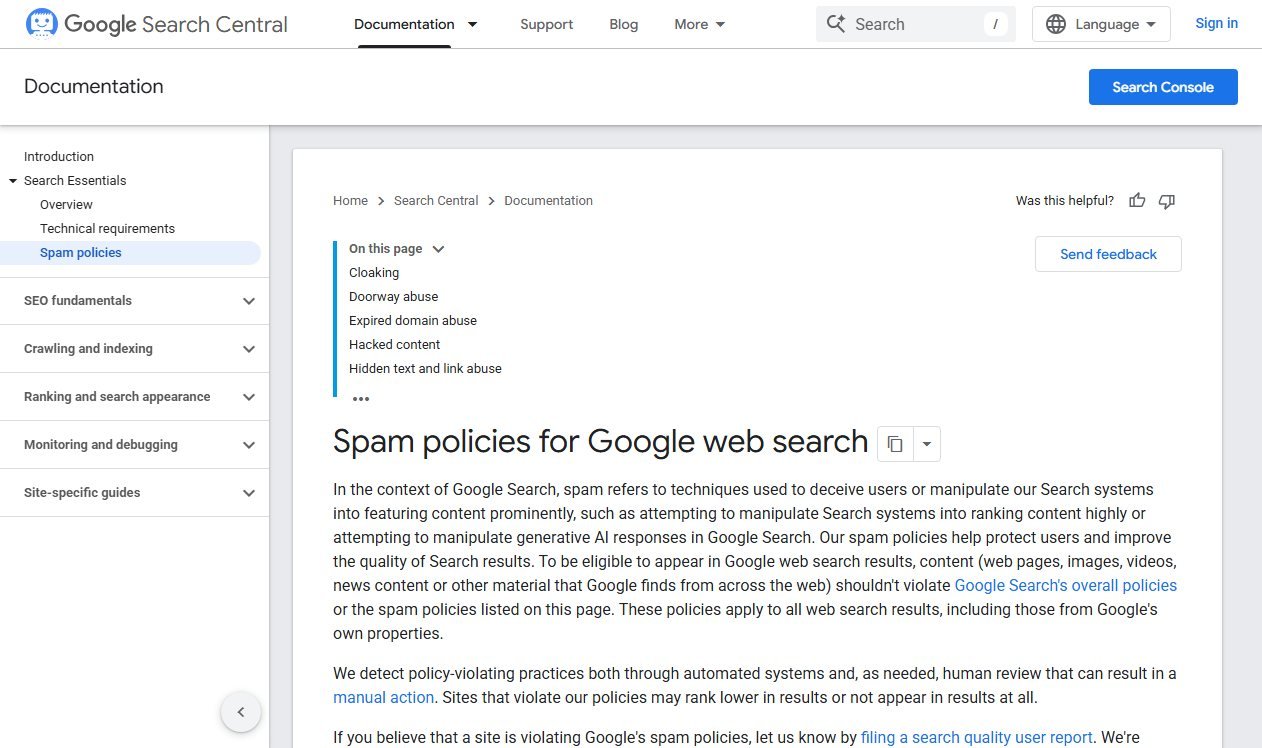
Nothing in that document mentions a risk percentage, a toxicity score or a minimum authority number, because none of those are Google signals. Three questions settle most cases. Would this site have linked to you without money or an exchange? Does the page the link sits on get real traffic, or does it exist to hold links? And would you be comfortable showing the placement to the client?
If you want a repeatable way to find the right prospects in the first place, our guide to finding competitor backlinks walks through the process we use.
A Monthly Backlinks Report Template
Copy this. It fits on one page, and every row is a decision.
| Row | Source | What it answers |
|---|---|---|
| Referring domains, total and new | Search Console or crawler, pick one | Are we growing the number of sites that vouch for us? |
| New links, named | Crawler | Are these sites relevant to our customers? |
| Lost links, named | Crawler | Do we need to recover anything? |
| Pages that earned links | Search Console, top linked pages | Are links reaching the pages we want ranked? |
| Anchor text spread | Search Console, top linking text | Does the profile look natural? |
| Clicks and positions for linked pages | Search Console, Performance | Did the work move anything? |
| Next month | You | What are we doing differently? |
Keep the same seven rows every month. Consistency is what makes a trend visible, and a trend is the only thing a client can act on.
How Often to Report, and What to Do With It
Monthly is right for most sites. Links take weeks to be recrawled and longer to affect rankings, so a weekly link report shows noise and invites panic.
When you read the report, three patterns deserve action. Links are landing on the homepage instead of the pages you want to rank, which means the content or the outreach pitch needs to change. Referring domains are flat while link count grows, which usually means repeated placements on the same few sites. Or the linked pages gained links but not clicks, which points at a title, snippet or intent problem rather than an authority one.
For a wider view of whether links still matter in AI-driven results, see our data-backed post on backlinks and AI search.
What Changes for a Local Business, a Store or a SaaS
The seven rows stay the same. What counts as a good month does not.
A local business lives on a handful of genuinely local links: the chamber of commerce, a supplier's stockist page, a sponsored youth team, the regional paper. Ten of those beat a hundred national blog mentions, and the report should name the town or county each link came from. If you are also tracking map rankings, pair the link row with your local pack positions rather than with national ones.
An ecommerce store earns most links to category pages and buying guides, almost never to individual product pages. Report at the template level: how many links landed on categories, on guides, on the homepage. A quarter where every link hit the homepage means the content programme is not producing anything linkable.
A SaaS or B2B site tends to earn links to free tools, original data and documentation. Those pages also convert slowly, so pair the link row with assisted conversions or demo requests rather than with immediate sales.
The point is that the same table can serve every client, as long as the commentary under it is written for the business rather than copied between them.
Mistakes That Make a Link Report Useless
- Changing the source between months. Search Console in January and a crawler in February produces a fake jump. Pick one per row and label it in the header.
- Counting links you paid for as wins. If a placement was bought, it belongs in a separate line, and it should carry a
rel="sponsored"attribute on the linking site. Reporting it beside earned links hides the real picture. - Reporting volume with no relevance check. Forty links from unrelated sites in one month is a pattern, and not a good one.
- Screenshotting a dashboard instead of writing a sentence. A chart with no interpretation makes the reader do your job. Every row deserves one line of plain English.
- Promising a ranking date. You control outreach and content. You do not control recrawl timing or the competitiveness of the query.
- Disavowing on instinct. Unless you have a manual action or a clear unnatural pattern you created yourself, the disavow file is more likely to cost you links than protect you.
Google's own guidance on the disavow links tool is blunt about this: it is an advanced feature that should be used with caution, and most sites never need it.
If your report keeps showing flat referring domains, the problem is usually upstream of the report. Our backlink analysis tools guide compares the free and paid ways to spot which domains you are missing.
Quick Recap
- A backlinks report exists to drive decisions, not to prove activity.
- Report referring domains, not total backlinks.
- Name new and lost links, and say which pages earned them.
- Search Console is free, grouped, deduplicated and capped at 1,000 rows, so it will never match a crawler's number.
- Judge quality against Google's published spam policies, not a vendor risk score.
- Same seven rows, every month, so the trend is readable.
Frequently Asked Questions
What is a backlinks report?
It is a regular summary of the links pointing at your site: how many separate domains link to you, which links are new or lost, which pages earned them, what anchor text was used, and what changed in rankings or clicks as a result.
Can I build a backlinks report for free?
Yes. Google Search Console's Links report gives you top linked pages, top linking sites and top linking text at no cost, and its Performance report gives you the clicks and positions to pair with them.
Why do Search Console and my SEO tool show different backlink numbers?
They count differently. Search Console groups links by root domain, combines duplicates, caps tables at 1,000 rows and states that it is not a comprehensive list. A third-party crawler counts every URL its own bot has found.
Referring domains or total backlinks: which should I report?
Referring domains. A single site can produce thousands of links from one sitewide element, which inflates the total without adding a new vote for your site.
How often should a backlinks report be produced?
Monthly suits most sites. Links need to be recrawled before they can have any effect, so weekly reporting mostly shows noise.
What anchor text spread looks natural?
Mostly brand names, bare URLs and page titles, with a small share of descriptive phrases. A sudden run of exact-match commercial anchors is the pattern Google's link spam policy describes.
Should a backlinks report include a toxic link score?
No. Those scores come from vendor models rather than Google. Check links by hand against Google's spam policies and only consider disavowing if you have a manual action or a genuinely unnatural pattern.
What should I do when a link disappears?
Check whether the page still exists. If it was removed in an edit, ask politely. If the page is gone, treat it as lost and note whether that publisher is worth approaching again.
How long before new links affect rankings?
There is no fixed timeline. The page carrying the link has to be recrawled first, and competitive queries take longer than quiet ones. Report links and rankings side by side rather than promising a date.
Do I need a paid tool to produce a backlinks report?
Not for the first draft. Search Console covers referring domains, linked pages, anchor text and the performance of the pages that gained links. A paid crawler mainly adds named new and lost links with the date they changed, which is the one row Search Console does not give you.